Sperry Marine 65926E and 65926P monitors: checks before replacement
The RadarStation 65926E is described as a flat panel monitor 340, 25.5′′ and 65926P as a 25.5′′ LED monitor. The diagonal match helps to find a group of equipment, but does not confirm the possibility of a direct replacement. The quotation requires the complete type of installed device and the configuration of the workplace.
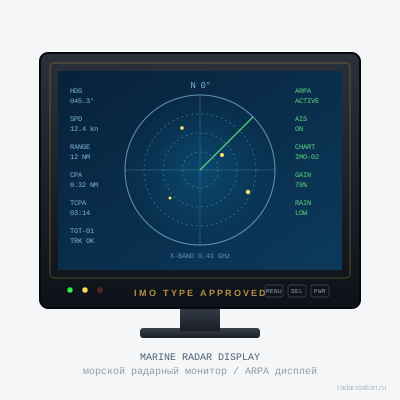
Start with a sign and landing
Take photos of the marking, the front of the installed monitor and the available connections. Specify the model of the system in which it is used, and what exactly is planned to save. If only the display changes, it should be written directly: the processor, remote control and base can remain on the ship.
Measure the available space and show the method of attachment. The screen installed in the console and the desktop assembly have different requirements for the installation part. The size of the visible panel does not determine the depth behind the console, access to connectors and the necessary space for maintenance.
Four checks for quotation
| Variant | Full designation and applicability to a specified workplace, not just screen size. |
|---|---|
| Connections | Coordinated inputs, power supply, cables and response parts according to the installation documentation. |
| Mechanics/Mechanical | Mounting, seating, access and necessary transitional parts. |
| Kit | What is transmitted with the monitor: base, fasteners, covers, cables, documents and separately agreed accessories. |
How to check the former operating screen
For 65926E, ask for photos of the particular instance included and a description of the check. It is useful to coordinate the check of the image, backlight, controls and stability of operation in the prescribed modes. If there are defects in the panel or case, they must be listed before payment.
A single photo of the start screen does not show all the functions of the workplace. Separately, agree on which connections and modes are checked by the supplier and which will be confirmed after installation with your equipment. The new 65926P also needs to be checked to conform to a agreed configuration and kit.
Maintain surveillance conditions
In the acceptance program, specify the desired image and brightness modes for the actual workplace. If the screen is included in the navigation system with established requirements for the presentation of information, the applicability of the replacement is agreed on its documentation. The ability to display the picture through the adapter in itself does not close this question.
In the request, attach a sign of the monitor to be removed, photos of the landing and connections, a model of the system and the required composition. A valid replacement between 65926E and 65926P must be confirmed for your installation; the article does not state such interchangeability.
Card and documents
Supply and coordination
65926E is listed in the catalog as formerly in service, 65926P as new. These are different positions; the applicability and state of the selected instance are confirmed separately.
Price and term - by quotation for the agreed composition. Specify the port or city, the required date, documents and method of acceptance. A mark in the catalog helps to select a position for the request; the actual balance and reserve are confirmed before the order.