Samyung ENC SNX-300: N-726, N-727 and N-728 receiver boards
The Samyung ENC SNX-300 receives a radio signal, data processing and keyboard are different boards. When agreeing on repairs, it is important to name the desired node, and when buying a former receiver in operation, it is important to understand what functions are checked. One screen does not describe the result of the entire NAVTEX test.
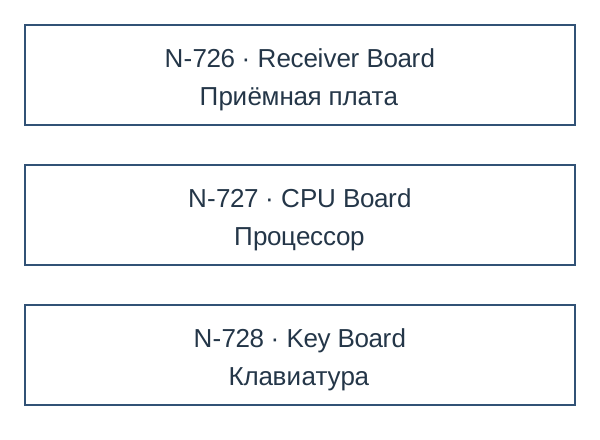
Three designations in service documentation
The factory Service Manual SNX-300 in the flowchart and connection scheme shares the following boards. These are the designations of the documentation, which must be compared with the actual marking and revision of the proposed device.
| Code. | Factory signature | Role in the composition |
|---|---|---|
| N-726 | Receiver Board | Admissions |
| N-727 | CPU Board | Processor board |
| N-728 | Key Board | Keyboard board |
These numbers help to coordinate the subject of work. They do not mean that any refusal requires the purchase of all three boards or that all configurations of the SNX-300 can be equipped with arbitrary nodes with similar connectors.
A missing message does not identify a faulty board
In the section of the service manual on reducing sensitivity, the antenna, its cable and external interference are separately listed. Therefore, the observation “the device is switched on, but there are no messages” is useful to convey along with the verification conditions. It does not, by itself, determine whether the N-726, N-727, or the external installation are to be replaced.
Specify what is visible on the screen, on which channels the check was performed and what results the service organization has already received. To supply the working reserve, agree on the completed acceptance result. For the repair fund, name the permissible condition and known defects separately.
The external printer is checked with its chain
The user manual in §2.4 describes a separate serial port for an optional printer, and in §2.5 describes the external interface RS-422 for navigation equipment. These are different purposes of connections. The presence of messages on the display and the successful transfer of data to the outside should be called separate results of the verification.
The service manual for printing problems indicates the cable, correct connection and speed setting. Therefore, it is useful to report the model of the retained printer and the known settings before agreeing on the replacement of the internal board of the receiver. Installation and service actions are determined by the documentation of a particular installation.
What exactly to order
Own heading refers to the SNX-300 assembly. If a board is required, include it in the request in a separate line with a full label; the possibility of such delivery, configuration and verification will be confirmed separately. For the whole appliance, list the retained antenna, cables, mounting and external devices.
Posting device and work with messages consider General Technical Guide SNX-300. Here it is important to agree on the boundary of the replaced hardware node and not replace it with the common name NAVTEX.
Card and documents
- Samyung ENC SNX-300 in RadarStation catalog
- Samyung: Service Manual SNX-300, archival copy of the original - §3.3-3.4, flowchart §5 and connection §6
- Samyung: SNX-300 Instruction Manual - §2.4 Printer Port and §2.5 External Port
- Samyung ENC: SNX-300 NAVTEX Receiver
Supply and coordination
Samyung SNX-300’s own card shows Used · 1 and the price in the product card. The subject of the card is the NAVTEX receiver. A separate stock of N-726, N-727 or N-728 is not confirmed by this line. Availability of the selected copy, condition, composition, documents and verification results are specified in the quotation.
Price and term - by quotation for the agreed composition. Specify the port or city, the required date, documents and method of acceptance. A mark in the catalog helps to select a position for the request; the actual balance and reserve are confirmed before the order.